Desktop app: how to start even if the terminal is foreign
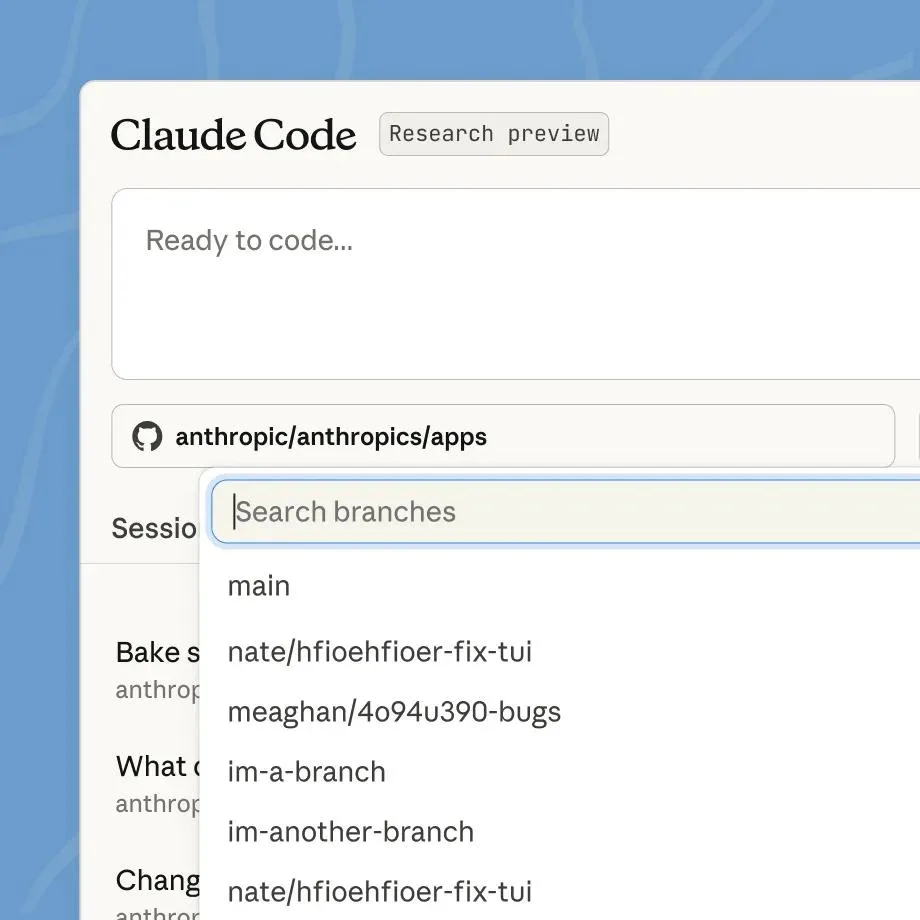
The lowest-barrier surface is the desktop app. Claude Code offers a macOS and Windows app, and you open a new session with a button, no terminal commands required. Attach a GitHub repository, pick a branch, type 'fix this bug,' and the agent reads the code, fixes it, and shows you the result.
Because the screen itself is close to a chat, people whose main job isn't development feel little friction. It fits as a first tool for a product manager running a prototype or a non-engineer cleaning up data. What it can't do as well as a terminal is fine-grained control or automating repetitive work.
VS Code extension: without leaving the editor you already use
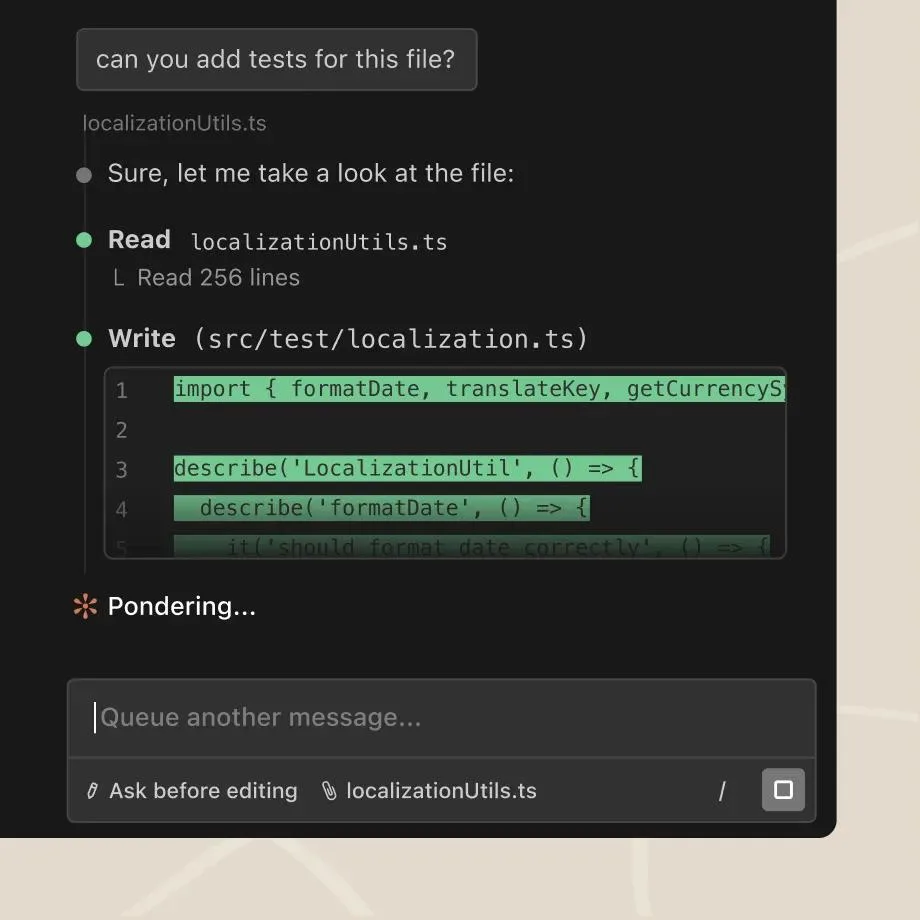
For people already developing in VS Code, the extension is the most natural. Both Claude Code and OpenAI Codex ship VS Code extensions. Install one and an agent panel appears in the editor sidebar, using your open files and project as context directly.
You talk while looking at the code, and the agent asks 'shall I change it like this?' before touching a file, which gives a good sense of control. The point is that you add only the agent without changing your existing workflow. It's also the surface with the least resistance when a team adopts agents for the first time.
CLI: why the terminal is the most powerful
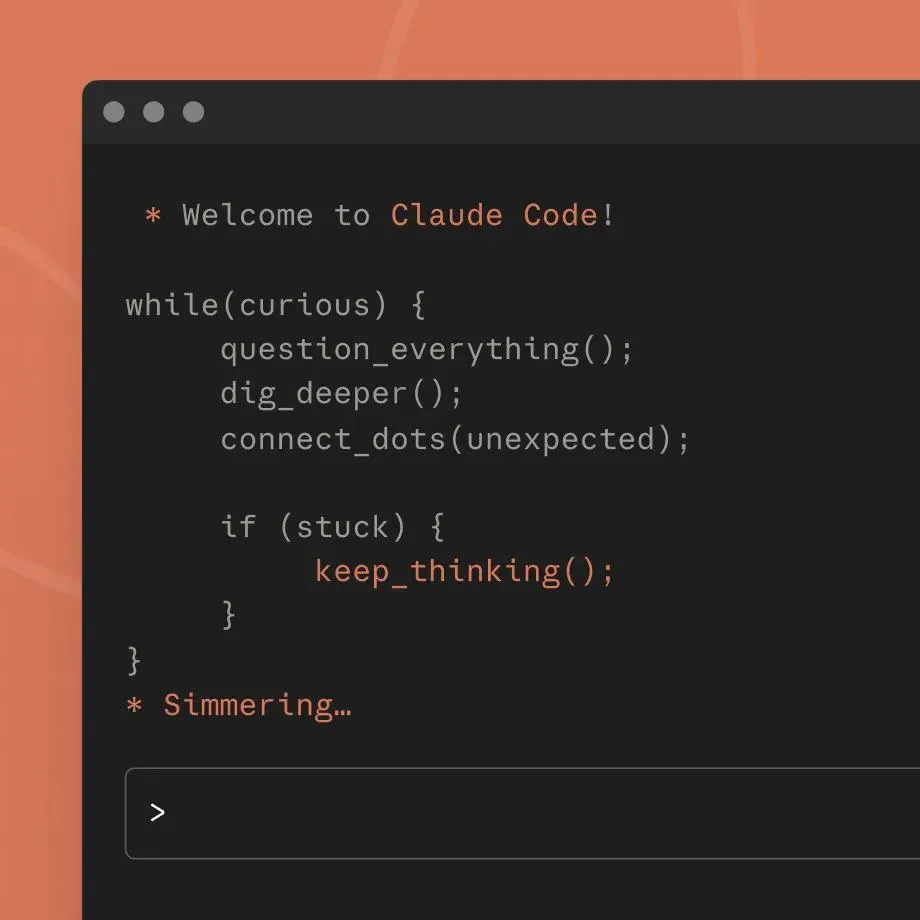
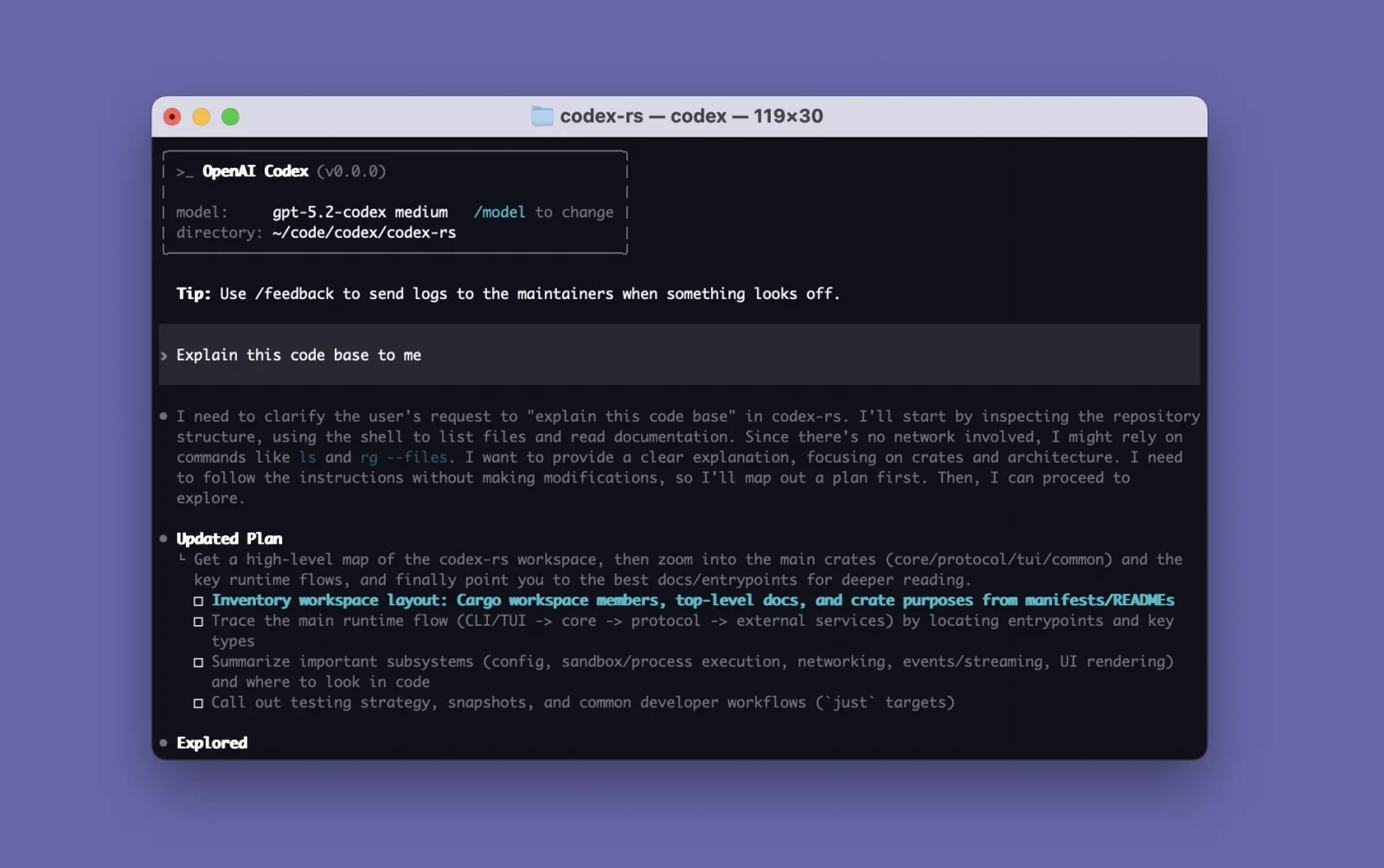
Type claude or codex in a terminal and the same agent comes up as a CLI. It looks the crudest, but it is actually the most powerful surface. Because it's a command, it strings into scripts, gets scheduled by cron, and slots in as a single step of a CI pipeline.
People who automate repetitive work end up at the CLI. Hands-off tasks like 'every morning build this report and send it to Slack' can't be done from a desktop app; only the terminal does them. This is the stage where you use the agent as a component, not a tool.
Claude Code and Codex are used almost identically on the CLI. Install it, run it in the repository folder, and instruct in natural language. More people now keep both side by side and give them the same task to compare results.
Cursor and Replit: IDEs with the agent built in from the start
The fourth path isn't picking one surface but swapping the whole product. Cursor is an editor that forks VS Code and puts the agent at the center from the start, and Replit attaches an agent to a browser-based IDE so you build with no install.
These products aren't tied to a specific model. Cursor lets you choose Claude-family models, so 'using Claude Code' and 'using a Claude model in Cursor' overlap yet differ. Because it's switching environments rather than adding a tool, the decision weighs especially heavy when a whole team moves.
New to this? Where to download and how to install
The surface names may be unfamiliar, but you only need to know where to get each one and how to install it.
For the desktop app, go to claude.com/product/claude-code and click the 'Download for macOS' button to get the installer. It supports macOS, Windows, and Linux; install it like any program and sign in with your Claude account to start.
VS Code is a free code editor from Microsoft. Download it at code.visualstudio.com and install it, then open VS Code and click the Extensions icon on the left vertical bar. Type 'Claude Code' (by Anthropic) or 'Codex' (by OpenAI) in the search box and click Install — that's it.
The CLI is a window where you type commands as text. On a Mac it's the built-in Terminal app; on Windows, PowerShell. First install Node.js (nodejs.org), then paste the commands below into the terminal. Once installed, move into your project folder and type claude or codex to run it.
Cursor is downloaded and installed from cursor.com, while Replit opens right in your browser at replit.com with nothing to install.
# Install Claude Code
npm install -g @anthropic-ai/claude-code

# Install OpenAI Codex
npm install -g @openai/codex

# After installing, run inside your project folder
claude
codex
So where should you start?
The answer differs by person. If development isn't your main job, the desktop app; if you already use VS Code, the extension; if automation is the goal, the CLI; if the team will work agent-first from the start, Cursor or Replit. With the same Claude Code or Codex, changing the surface changes the nature of what you can do.
That's why, when embedding AX into a team, you should decide 'who uses which surface' before 'which tool.' The very sense of choosing a surface is the most underrated capability in organizations today.