You Asked It to Run Code — Why Is It Telling You to Install Git First?
When a non-developer tries to build something with AI and asks Claude Desktop to "run this code," instead of the code running, an instruction pops up: "Please install git first." Before you've even been introduced to Claude Code, the actual coding tool, you're confronted with a name you've never heard before — git.
Most people are thrown off at this point. I wanted to build something with code — why am I being told to install something else? But this is actually the natural order of things. Before you can safely work with code that AI has written, you first need a tool that manages the history of changes to that code, and the standard tool for that job is git.
What Is Git?
Git is a "version control" tool that records and manages the history of changes to your code. Think of it like "track changes" or "version history" in Word or Google Docs — except instead of tracking a single document, it saves the entire contents of a folder full of code files, at every point in time.
Every time you save your code, git leaves behind something like a snapshot of "the complete state at this moment." That means you can trace back exactly how your code has changed over time, and jump back to any past point in its entirety. It's the common language developers have used to manage code for decades — and it's also the foundation every AI coding tool assumes you already have in place.
Why Do You Even Need Git?
The biggest reason is the ability to undo. Vibe coding means repeatedly telling AI "change it like this," and AI frequently ends up breaking code that was working just fine. With git, one command — "roll back to before that last change" — restores the last working state. Without it, you'd have to fix the broken code by hand.
The second reason is safe storage. Once the code on your computer is under git's management, you can push its entire history to a remote repository like GitHub as a backup. Even if your computer breaks down, you can pick up exactly where you left off on a different machine.
The third reason is collaboration. When several people are each editing the same code and merging their changes together, git sorts it all out without conflicts. You might be working alone right now, but the moment your project grows even a little, this becomes essential.
Where and How Do You Install Git?
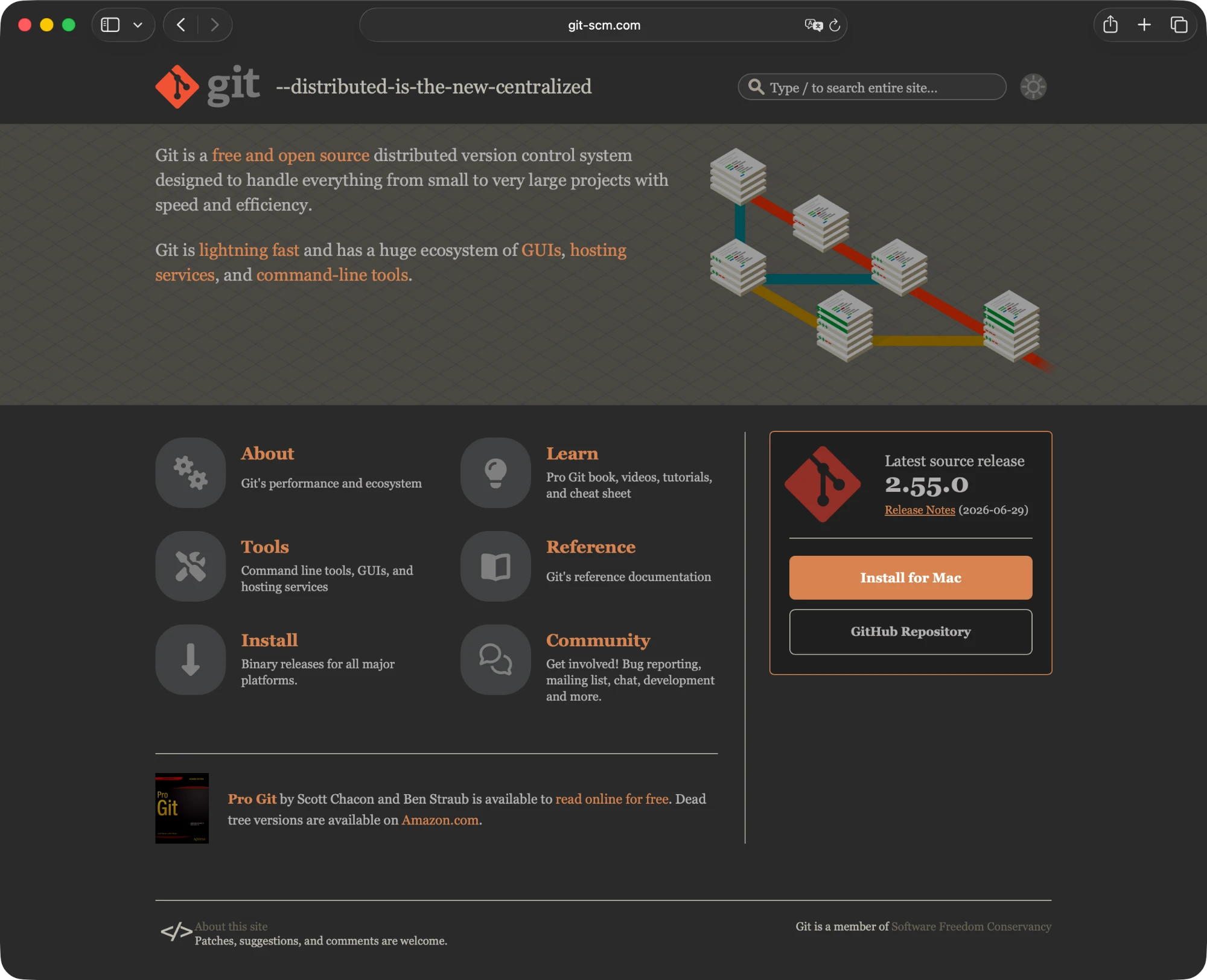
There are three main ways to install it. First, go to the official site (git-scm.com), download the installer for your operating system, and install it like any other program. Second, paste a single command into your terminal — on Mac that usually means Homebrew, and on Windows, winget.
Third — and this is the approach I actually recommend in my training sessions — have Claude Code do the installation for you. Tell it, "Install git on my computer," and the agent checks your current setup and runs the right command for it. All those moments where people get stuck — Do I click Next here? Install? What does this option even mean? — vary depending on each person's computer and experience level, and you simply hand that off to the agent. Your very first hands-on exercise ends up teaching you how to use the tool itself.
# macOS (using Homebrew)
brew install git

# Windows (using winget)
winget install --id Git.Git

# Verify the installation (success if a version number appears)
git --versionInstall git on my computer.
Once it's installed, verify it with git --version.What Are git clone, git push, and git pull?
Finishing the install doesn't mean you learn these commands right away. In actual training sessions, I introduce them much later, once someone has gotten comfortable with vibe coding. At first, "I've got git installed" is enough. Still, these are three commands you'll definitely run into down the road, so it helps to know what they mean ahead of time.
git clone copies an entire project from a remote repository (like GitHub) down to your own computer. You use it when you're starting from a project someone else built, or pulling down your own backup.
git push sends the change history from the code on your computer up to the remote repository. You use it to back up your work or share it with others.
git pull does the opposite — it pulls the latest changes from the remote repository down to your computer to bring it up to date. You use it to bring in changes that a colleague, or you working on a different computer, has already pushed. Think of clone as something you do once at the start, while push and pull are the back-and-forth you do every time you work.
# Copy a remote repository to your computer
git clone <repository URL>

# Push your changes to the remote repository
git push

# Pull the latest changes from the remote repository
git pull
Once Git Is Installed, You've Cleared the First Hurdle
Once you've fought your way through the install, start with something simple — a small game or a basic website. With the safety belt of "undo" fastened, you can let the AI try whatever it wants and practice rolling things back when it breaks something. If you've got git installed, you've already cleared vibe coding's first gate.
For non-developers, vibe coding is decided first by whether your environment is set up, not by your coding skill. That's why the real first lesson in AX education isn't "what should you ask the AI to do" — it starts with understanding why the very first tool has to be git. The gap between people who clear this hurdle and those who don't determines how fast everything else goes from there.