What this week's mail opened
The Claude Code team started a regular update mail. The sender is Lydia, from no-reply@email.claude.com. The issue landed at 09:30 KST on 22 August 2026.
The three headlines are /design, Concise, and auto-continue. Auto mode as default and a 50% weekly-limit extension sit beside them. Version numbers in the mail run from 2.1.232 to 2.1.238. This page stays with the mail and the public changelog.
/design is not /design-sync. The June command uploads a repo design system into Claude Design. This week's /design draws artboards in the same window you already code in.
How to run /design
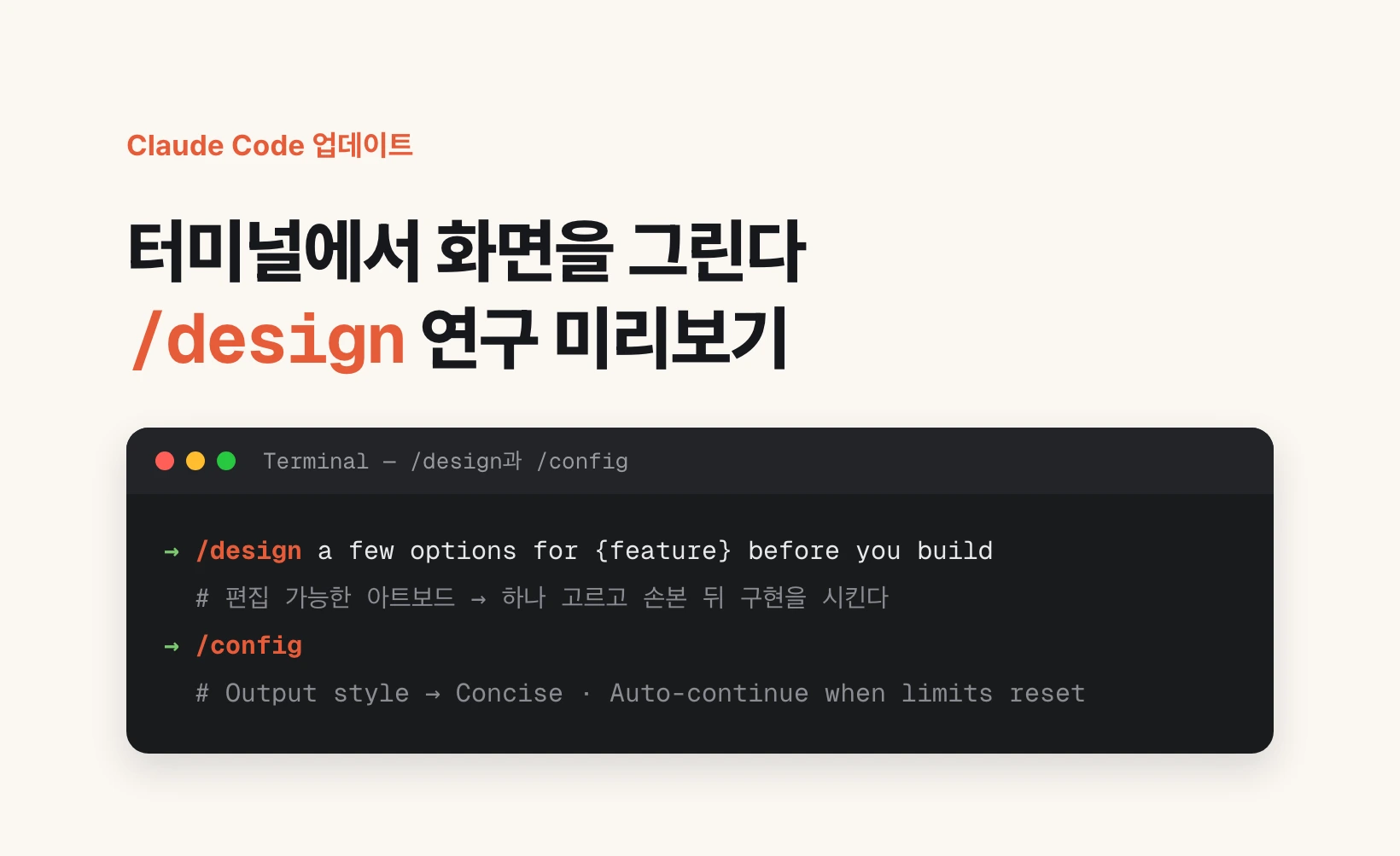
Open Claude Code. Type /design, then one line for the screen you want. The mail's example is /design a few options for {feature} before you build. Put the feature name in that slot.
An idea is enough. A screenshot or an existing design also works. You get editable artboards. Pick one, tweak it, then tell Claude to implement it.
On Team and Enterprise you can share the artboard and let editors publish a new version. The skill itself is a research preview, so the flow can still change.
On Desktop, Cmd+Shift+B opens the Browser pane. Cmd+Shift+S lets you click an element and say what to change.
Where Concise lives
Open /config and set Output style to Concise. The same value is outputStyle Concise in settings.json.
Concise leads with the result and drops the preamble. Custom output styles already existed. This built-in option answers the complaint that default answers ran long.
2.1.238 fixed custom styles drifting back to the default voice in long sessions. After a long session, reopen /config once and check the value stuck.
When a usage limit cuts the turn
From 2.1.234 the CLI resumes the interrupted turn after a usage limit resets. Turn it off in /config. Desktop uses the checkbox on the session-limit card, not the weekly-limit card.
Auto mode became the default on 14 August 2026 for new Pro, Max, and Team sessions. If you already pinned a default, Claude asks before changing it. defaultMode in settings.json pins one.
The 50% weekly Claude Code limit increase runs through 31 August for Pro, Max, Team, and seat-based Enterprise. The mail hopes to make it permanent and asks for more time. It does not give a number after 31 August.
Write autoMode rules as sentences
A separate classifier reviews each auto-mode action. It reads autoMode in ~/.claude/settings.json. Project settings cannot overwrite it.
hard_deny always blocks. soft_deny blocks unless a direct request or an allow entry overrides it. Keep "$defaults" to keep the built-in rules.
The mail's example blocks migrations outside the migrations CLI in soft_deny, and sending repository contents to third-party review APIs in hard_deny. Run claude auto-mode critique if a sentence looks ambiguous.
{
  "outputStyle": "Concise",
  "autoMode": {
    "soft_deny": [
      "$defaults",
      "Never run database migrations outside the migrations CLI"
    ],
    "hard_deny": [
      "$defaults",
      "Never send repository contents to third-party code-review APIs"
    ]
  }
}
What to try today
Name the screen you are building. Run /design a few options for that name before you build. Pick one artboard and ask Claude to implement it.
Then open /config and turn on Concise. If you hit limits often, confirm Auto-continue is on. For a team, add one autoMode sentence for a real block, such as migrations or an external review API.
GitLab users can pass a merge-request URL to --worktree from 2.1.233. On a Mac with two sessions open, @session-name sends a message to the other window. The mail lists macOS and Linux only.