What the portal is and where to begin
data.go.kr is where Korean government bodies and public institutions open their data in one place. It is operated by the Ministry of the Interior and Safety under the Act on Promotion of the Provision and Use of Public Data. It holds everything from medical institution records to building registers, district population, public transit and weather.
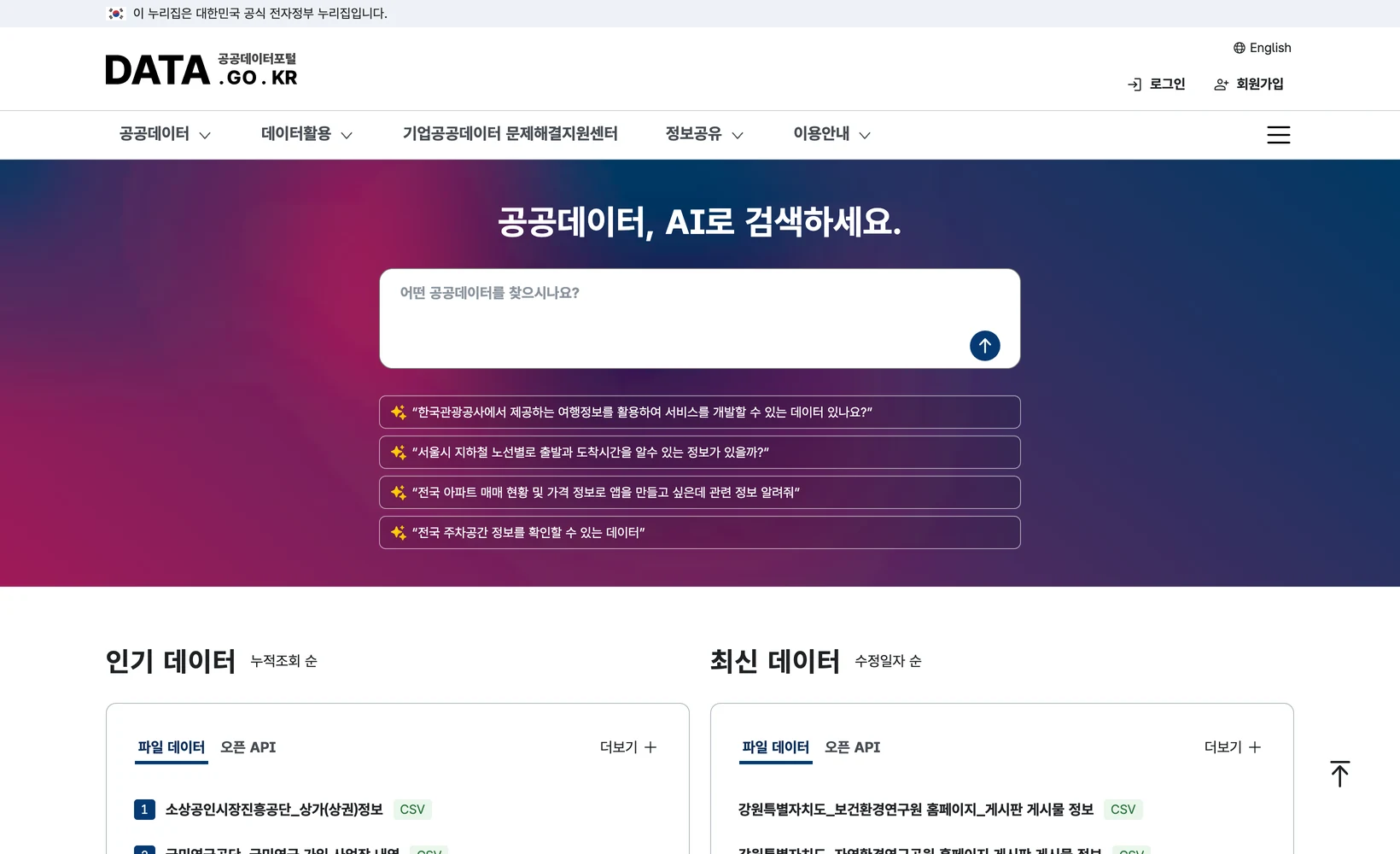
There are two delivery forms: file data (CSV, SHP and the like, downloaded) and open APIs (called by URL). The portal's own home page carries these as two tabs side by side under popular and recent data. As we will see, that distinction matters more in practice than it first appears.
Getting started is straightforward. Register, click apply on the detail page of the dataset you want, and collect your service key from the account page. Most APIs approve immediately or within a day. The key goes into the query string as serviceKey=. URL-encode it in code, otherwise special characters inside the key cause authentication failures.
The first trap: unknown parameters are ignored, not rejected
While building a tool that maps hospital and pharmacy locations, I wired in the health insurance review service's pharmacy API. I wanted Seoul only, so I added a region parameter. That is where it went wrong.
Calling with Q0=Seoul returned a total count of 25,771. That is far too many pharmacies for one city, so I removed the parameter entirely and called again. Still 25,771. The parameter had never done anything.
The cause was the parameter name. Q0 belongs to a different pharmacy API published by another institution; this one takes sidoCd, the province code, where Seoul is 110000. With the correct one it returned 5,883.
What matters here is not the size of the gap but the way it failed. Despite an invalid parameter the server returned no 400 and no warning. It answered HTTP 200 with a well-formed JSON structure, and the rows were genuine pharmacy records. The scope was simply the whole country rather than Seoul. I was pulling a 4.4x inflated figure without a single error signal.
Failures like this leave nothing in the logs and nothing the eye can catch. Open a few rows and the shape looks fine. You only find out when you plot the points and see coordinates outside the city.
So the first verification is a total-count comparison
Since then I have fixed one first check when wiring any public data API: print the total count without the filter and with it, side by side. If the two match, the filter never applied.
I ran the same check on the hospital API. Without a filter it returns 79,797 nationwide; with sidoCd=110000 it returns 19,880 for Seoul. The values differ, so that filter works. The pharmacy values were identical, so it did not. The verdict takes under a minute.
The total usually sits in a totalCount field, and it reflects the full result set even when you request numOfRows=1. So you can compare totals without pulling a single record. Do this before building the pipeline and before inspecting any rows.
Apply the same principle to every additional filter. Each time you add one for district, institution type or specialty, check that the total goes down. If it does not, that filter may as well not exist.
On the portal and available as an API are not the same thing
This is the second place expectations break. "That data is on the portal" and "that data is available as an API" are different statements.
Searching the portal for the five datasets one map needed, they split cleanly. Hospitals, pharmacies and the building register have open APIs that can be polled. Administrative district boundaries and district population exist only as file downloads. Searching boundaries under APIs surfaces unrelated things like drought analysis; no boundary polygon API appears.
That difference decides the pipeline. Hospitals and pharmacies open and close constantly, so polling an API is right. Boundaries and population are fixed at the number of districts, so one file load is enough. Trying to treat sources with different refresh rates the same way just makes more work.
So after asking whether the data exists, immediately ask what form it exists in. A detail page ending in openapi.do is an API; one ending in fileData.do is a file.
| Dataset needed | Delivery form | Dataset number |
|---|---|---|
| Hospital records (HIRA) | Open API | 15001698 |
| Pharmacy records (HIRA) | Open API | 15001673 |
| Building register (MOLIT Building HUB) | Open API | 15134735 |
| District boundaries (MOLIT census boundaries) | File | 15125055 |
| District population (MOIS) | File | 15097972 |
What key joins the datasets
Pull several datasets and eventually you have to join them. On the medical side the key is ykiho, the provider code the health insurance review service assigns to each institution. The hospital API and the pharmacy API use the same scheme, so the two join directly.
Joining on names or addresses will break. The same institution arrives with inconsistent spacing, and addresses mix road-name and lot-number systems. When a code exists, do not match on strings.
Look for the same thing in other domains. Buildings have a register key; administrative areas have a district code. Deciding what will join a dataset to the others before you download it saves a return trip later.
The order to do it in
To summarise: first, find the dataset on the portal and read the detail page URL to see whether it is an API or a file. Second, apply, collect the service key, and URL-encode it in your call. Third, call once without the filter and once with it, and compare totals. If they match, the parameter name is wrong, so go back to the request-variable table in the docs.
Fourth, decide the join key. Fifth, split the paths by refresh rate: polled API for what changes, one-time file load for what does not. Sixth, record the loaded total somewhere. When the number shifts sharply later, that record is what tells you whether the source changed or your call did.
Finally, treat inconsistency across agencies as the baseline assumption. Two APIs both labelled pharmacy information take different parameter names, and some silently ignore invalid input. Read the docs, but do not trust them; the habit of confirming with totals is what saves time in the end.