An ERD is an intermediate document for you, months from now
The lecture starts from how vibe coders work. For now, rather than reading code directly, it is better to lean on intermediate documents outside the code and keep developing in a state where you lead the system as much as possible. An intermediate document is simply what the code does, rewritten in human words and drawings.
The lecture names three. First is the PRD, the planning document that says in prose what you are building and why. Second are the screen documents: the user flow, which shows which screens a user passes through in what order; the wireframe, which draws only the skeleton of a screen in lines; and the mockup, drawn close to how it will really look, grouped together as one. Third is the ERD.
The first two are prose and pictures, so you can read them without being taught. The ERD is different. Without the concepts it is just boxes and lines, and you end up asking what you are supposed to use it for. That is why the lecture gives the ERD its own session.
The second reason is more practical. At first you usually build a first version with only the features you truly need, in the simplest possible way. When you reopen it much later to add features, the context from back then is gone. The lecture says the ERD is what quickly brings back how you built it at that moment.
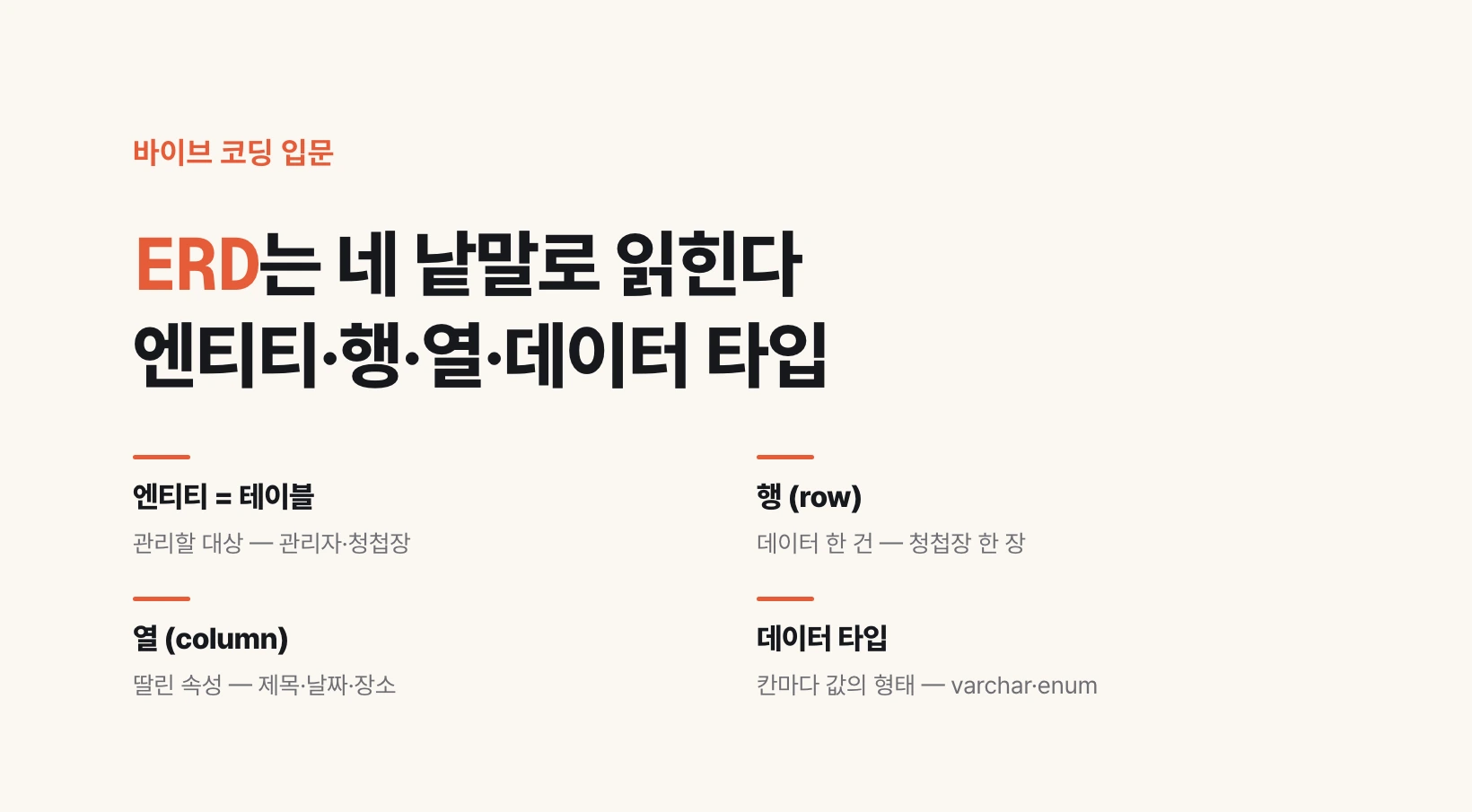
Entity, table, row, column — four words and you can read it
ERD stands for Entity Relationship Diagram: a drawing of how entities relate to one another. Relationships come from the next post on; this one goes as far as reading a single box in the drawing.
An entity is something the service needs to pay attention to and manage. In a mobile wedding invitation service, the admin and the invitation are entities. When an entity moves into the database it becomes a table. The database is where the service keeps its data, and when you open it, it looks like a spreadsheet. One of those sheets is a table.
Each record stacked line by line under a table is a row. One invitation is one line. Each attribute the table has, such as id or name, is a column: the vertical slots that divide the sheet.
Code sometimes uses other names for the same things. As the lecture puts it, an entity is called an object and a single row an instance. When those two words show up in code or explanations the AI writes, picture a table and one line inside it.
| In the database | Meaning | Name in code | Invitation example |
|---|---|---|---|
| Table | A sheet holding one entity (managed thing) | Object | Invitation table |
| Row | One record | Instance | One invitation |
| Column | One attribute | — | Title, date, venue |
Separating entities from columns with a mobile wedding invitation
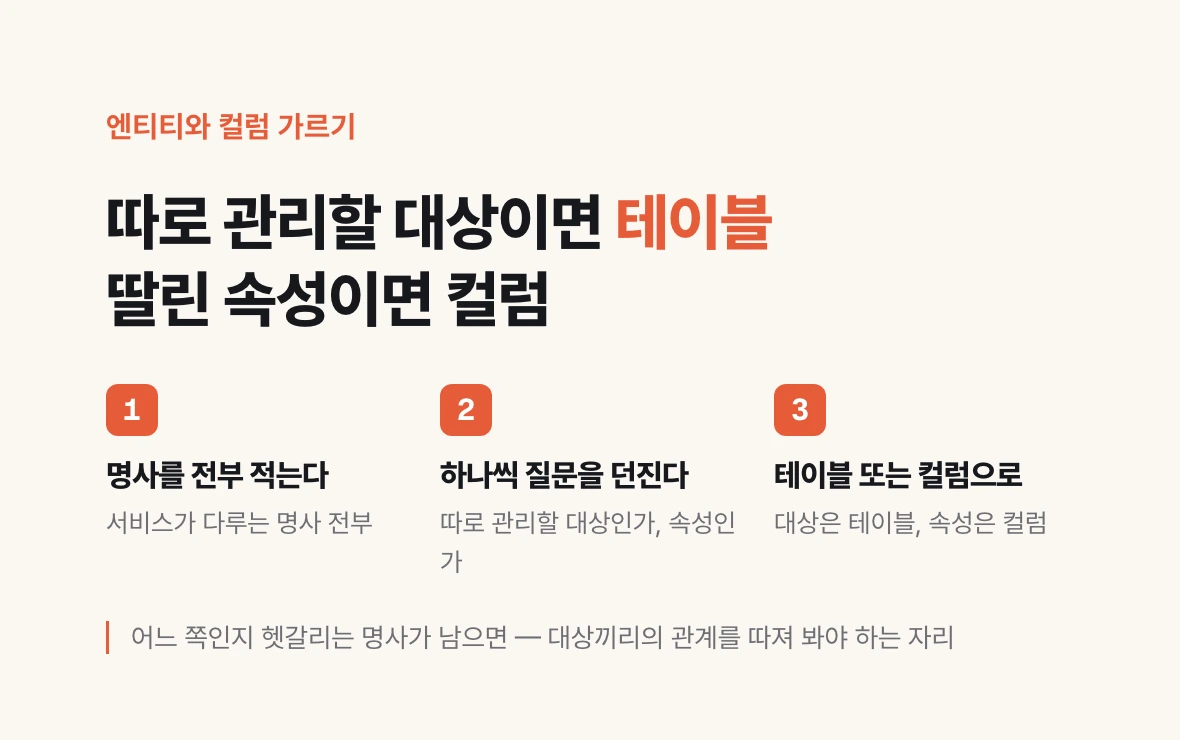
The lecture uses a mobile wedding invitation service as its example. The requirements are simple. An admin logs in. The admin creates a mobile invitation. The invitation holds a title, date, venue and message. About three templates are fixed in advance and one of them is chosen.
Which of these are entities? The lecture's answer is two. First, the admin. This is not a service anyone can walk into; a logged-in admin creates the invitation, so the admin has to be managed as its own thing. Second, the invitation that admin creates. The invitation table keeps an admin_id slot recording who created it; slots like this that connect two tables are covered in detail from the next post on.
Title, date, venue and message are not entities. They are properties the invitation has, so they go into the invitation table as columns. The groom's name and the bride's name are the same. One question separates them: is this something to keep and manage on its own, or an attribute belonging to something else?
You can do the same with your own service. Write down every noun it deals with and ask that question of each one. If it is the first, it is a table; if the second, a column of that table. Any noun you cannot place is where you need to think about how the things relate.
invitations
────────────────────────────────────────
id           an id attached to each invitation
admin_id     the admin who created it
title        title
date         wedding date
place        venue
message      message
groom_name   groom's name
bride_name   bride's name
template     one of template 1, 2, 3

one row = one invitation
Every column gets a data type
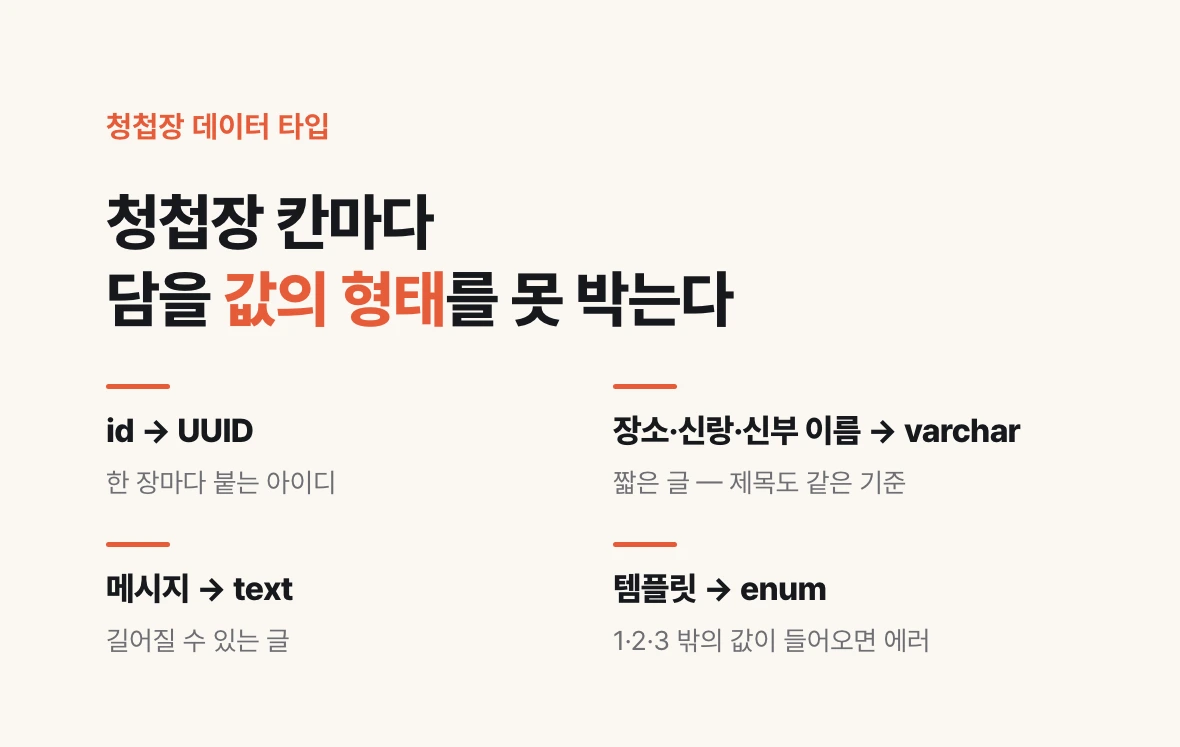
Once the columns are set, you decide what shape of value goes into each one. That is the data type. It pins things down in advance so that letters do not end up in a number column and just any sentence does not end up in a date column. The types the lecture covers are in the table below.
Most can be guessed from the name. Two are easy to confuse. Decimal is a number and looks like integer, but the lecture sums it up as the type mostly used for money, such as a payment balance. Vector is the type used for RAG. RAG is a way of having an AI find and read relevant documents before answering; if you turn a document's meaning into a list of numbers you can find similar content, and the slot that holds that list is a vector.
Enum is a type that accepts only values decided in advance: taking the login method as only one of Kakao, Google or Apple, or the template as only one of 1, 2 or 3. A value outside the list is set up to raise an error.
Applied to the invitation: the lecture sets the id as UUID, the venue and the groom's and bride's names as varchar, and the template as enum. The rest can be chosen by the same logic. The title is short text, so varchar; the message can run long, so text; the wedding date is a date type.
If you are building a service right now, hand the request below to your AI as is. Getting the tables, columns and types back as one table gives you the starting point for the record you will reopen months later. Next, we add a congratulatory message feature to the invitation and look at which values stay as columns and which get pulled out into tables.
| Type | What it holds | Example |
|---|---|---|
| integer / bigint | Whole numbers; bigint reaches larger values | Counts, sequence numbers |
| UUID | An irregular mix of letters and digits made not to repeat | IDs |
| varchar | Short text | Names, venue, image address |
| text | Long text | Descriptions, messages |
| boolean | True or false | Yes-or-no values |
| date / timestamp | A date; a date with a time | Wedding date |
| decimal | Numbers held exactly, down to the decimals | Money, such as a payment balance |
| vector | A list of numbers used for RAG | Values for document search |
| enum | One of a fixed set of values | Login method (Kakao, Google, Apple), template 1, 2, 3 |
Find every database table in this project and,
for each table, list column name · data type · a one-line description in a table.
For enum columns, also list the allowed values.
Do not change any code; only read it.