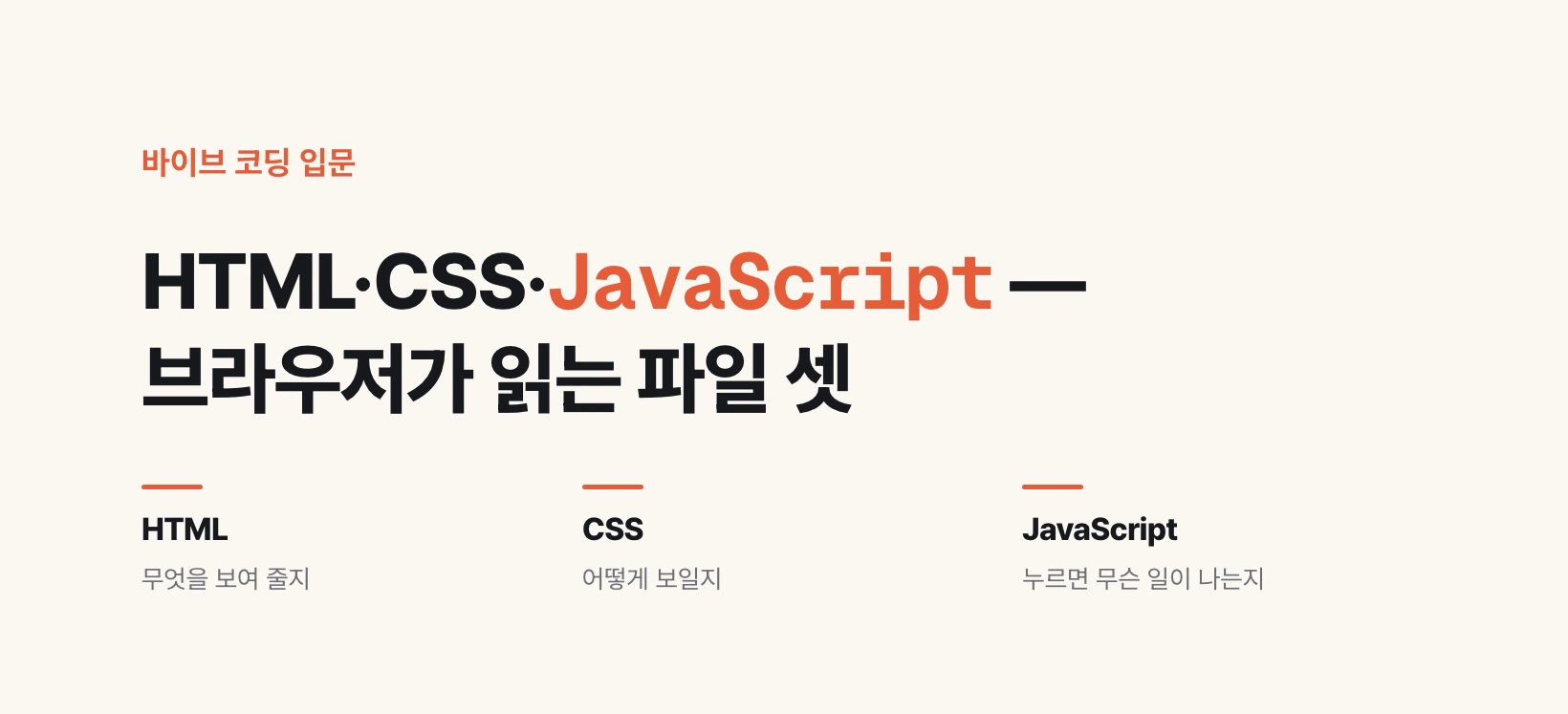
The work is split three ways
The previous post said the browser receives files from a server and paints a screen. Those files are these three.
HTML writes down what to show: this screen has a heading, a list, a login button. CSS writes down how it looks: that button sits top right, the background is yellow, the text is this many pixels. JavaScript writes down what happens on press: click this and the video plays.
This is why different browsers produce the same screen. Chrome, Edge or Firefox, given these three kinds of file, all combine them into a screen by the same agreed rules. There was a time when browsers interpreted the same CSS differently, but that has largely gone.
HTML  — what exists
<button class="btn">Log in</button>

CSS   — how it looks
.btn { background: #ffcc00; font-size: 16px; }

JavaScript — what happens on press
document.querySelector('.btn').addEventListener('click', ...)
Why CSS was split off
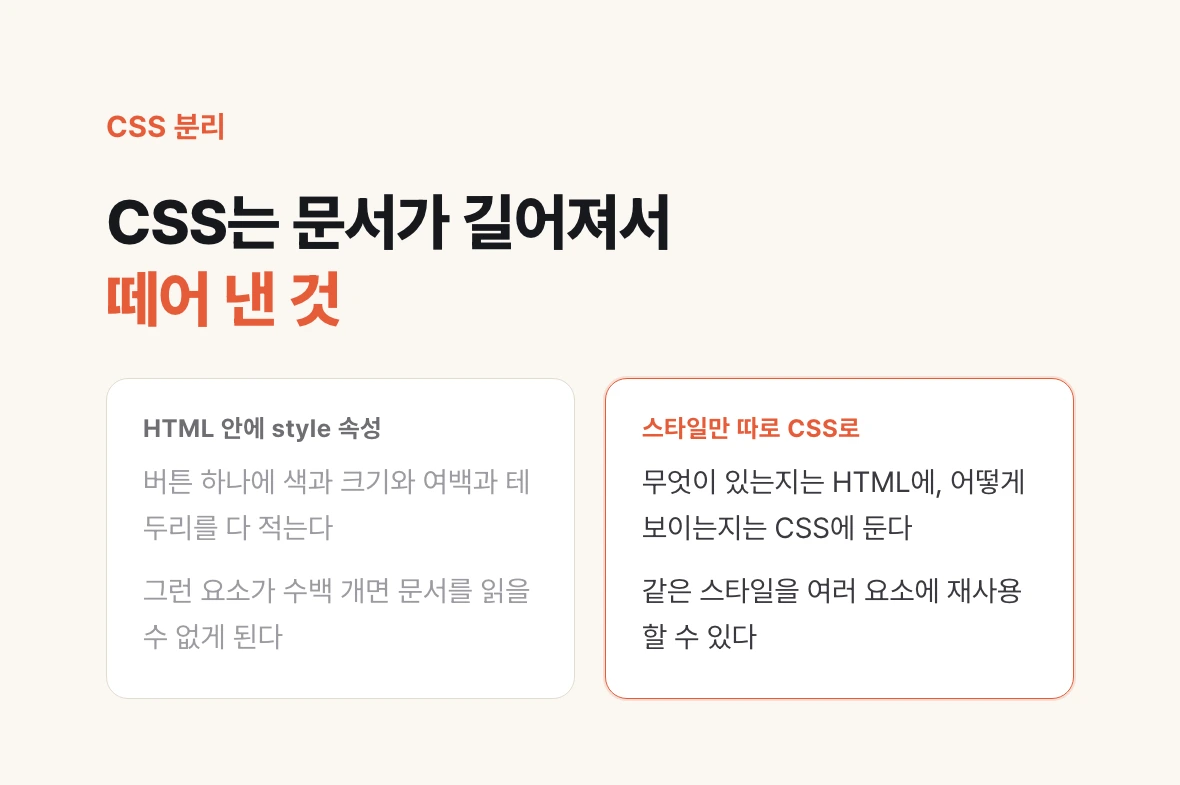
One common explanation needs correcting. CSS did not come about because HTML cannot express style.
You can style inside HTML by attaching a style attribute to each tag. The problem is what that does to the document. Write out color, size, spacing and border for one button, and multiply that by hundreds of elements, and the document becomes unreadable.
So style was pulled out on its own. What exists goes in HTML, how it looks goes in CSS. The ability to reuse one style across many elements falls out of the same split.
When a style will not take, do not start with syntax

The first real wall in CSS is precedence, because several rules can land on the same element at once.
There are multiple ways to point at a button. By tag name as button, by class as .btn, or more narrowly as span inside a button. When those all land on the same element, the more narrowly targeted one wins.
So hunting for a syntax error when a color will not change wastes time. Usually the syntax is fine and a narrower rule somewhere else is already winning. Click the element in your browser's developer tools and you can see exactly which rule won and which was struck through.
The distinction helps when asking an agent too. "This background color on the class seems to be losing to another rule" resolves far faster than "the color will not change."
| How you point at it | Example | How narrow |
|---|---|---|
| Tag name | button { } | Wide |
| Class name | .btn { } | Middle |
| Narrowed by relation | button span { } | Narrow |
TypeScript is not another name for JavaScript
JavaScript was built to make screens move, but since it is a programming language it started being used for server-side work too. If something can calculate, store values and repeat, we call it a language, and JavaScript qualifies. HTML only describes screen structure, so it is called markup, not a language.
As the work grew, a problem surfaced. Nothing pins down in advance whether a value is a number or text, so a wrong value goes unnoticed until the code runs.
So a layer of rules was added on top. Declare that this value is a number and that one is text, and mismatches get caught before execution. That is TypeScript. It is not a separate language to learn but shape declarations added to JavaScript.
That is also why most projects that come out of vibe coding are TypeScript. The more code is written by an agent rather than a person, the more a mechanism that catches mismatches before execution is worth.