
Arriving is not the same as being answered
The previous post said a request goes to a door number on a computer. But reaching the door does not settle what you get.
That computer has many folders and several running programs. Unlike a person opening things on a monitor, a request needs the answer written down in advance, by rule.
Writing those rules down and enforcing them is what a web server does. Requests on port 80 get files from this folder. Requests to this address get passed to a program running inside, and its answer gets relayed back. A collection of sentences like that is a web server configuration.
The most widely used one is Nginx, pronounced engine-x.
if the request came in on port 443
  establish an encrypted connection with this certificate and key

  if the address starts with /api
    pass it to the backend running inside on port 8000

  otherwise
    serve the file sitting in this folder
Why pass things inward at all
Taking a request, handing it to a program inside, and relaying the answer back is called a reverse proxy. The name is heavy; the job is brokering.
Why broker instead of answering directly? A backend program usually runs on an internal port such as 8000 and is not exposed outward. Keeping one door open to the world, port 443, and splitting by address behind it is simply easier to manage.
That structure lets one server run several services. Addresses starting with /api go to the backend, everything else to the screen files. It is the same splitting the previous post described with subdomains, done by path instead.
HTTPS is settled in this layer
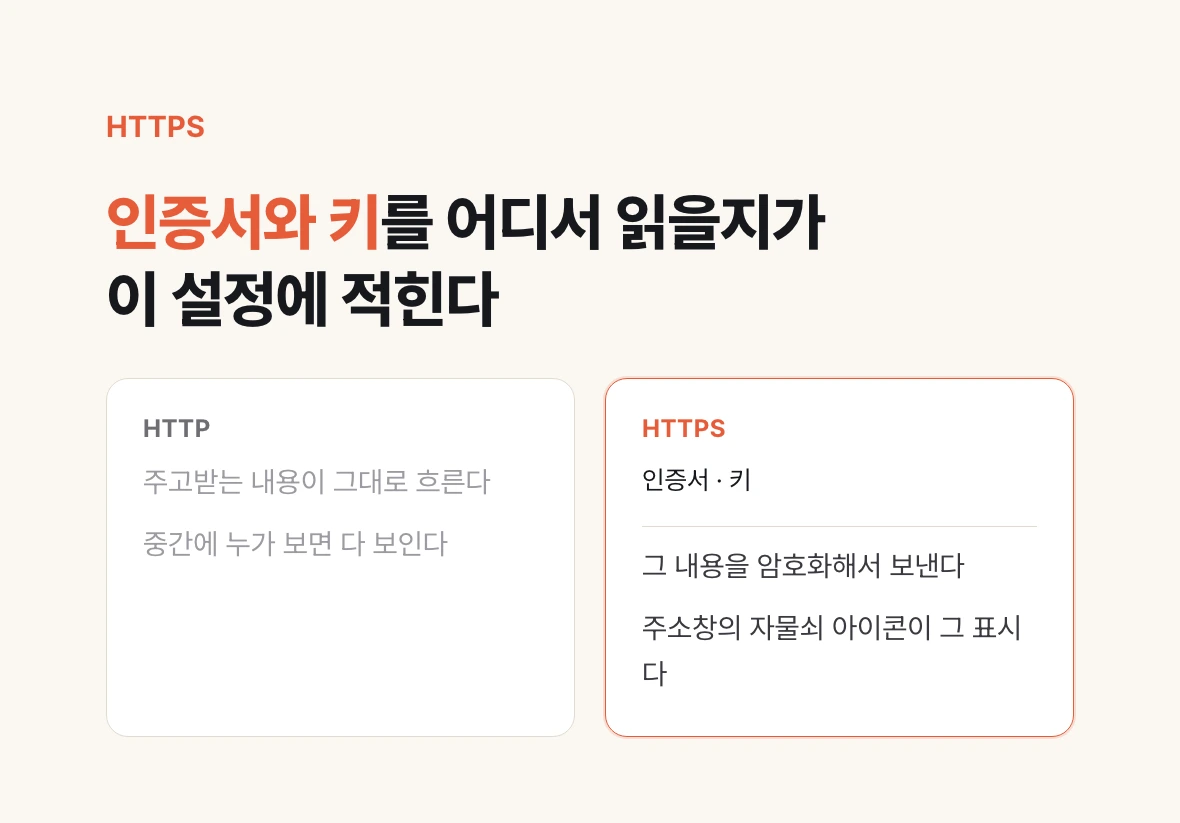
HTTP sends what you exchange in the clear. Anyone in the middle sees it. HTTPS encrypts it, and the padlock in the address bar is the sign.
Encryption needs a certificate and a key. The certificate is a document in which a third party vouches that this domain really belongs to this server; the key is the secret value used in the encryption. Both sit on the server as files.
Where to read those files and which connections to apply them to is written in the web server configuration. So HTTPS is not a separate technology but a configuration item in this layer.
Certificates expire. When they do, browsers throw a warning. Automatic renewal is the norm now, but a renewal that silently failed and only surfaced on the expiry date is still a common story.
Why this still matters when a deploy service handles it

Use a deploy service such as Vercel or Railway and you rarely touch any of this. Connect a repository and certificate issuance and renewal are handled for you.
Two reasons to know it anyway. One, the moment you rent a server yourself, this whole layer becomes your job. Two, when something breaks you have to be able to say which layer it is.
If you have seen a 502 or 504, that is usually this one. The doorkeeper is alive and responding while the program behind it is not answering, or answering too late. That is a different cause from a page that never loads at all. When the three checks from the previous post all pass and it still fails, look here.
| Symptom | Usually means | Where to look |
|---|---|---|
| No connection at all | The request never arrived | DNS · server alive · port |
| 502 | The program inside is down | Backend process |
| 504 | The inside answered too late | Backend processing time |
| Certificate warning | Expired or domain mismatch | Renewal configuration |