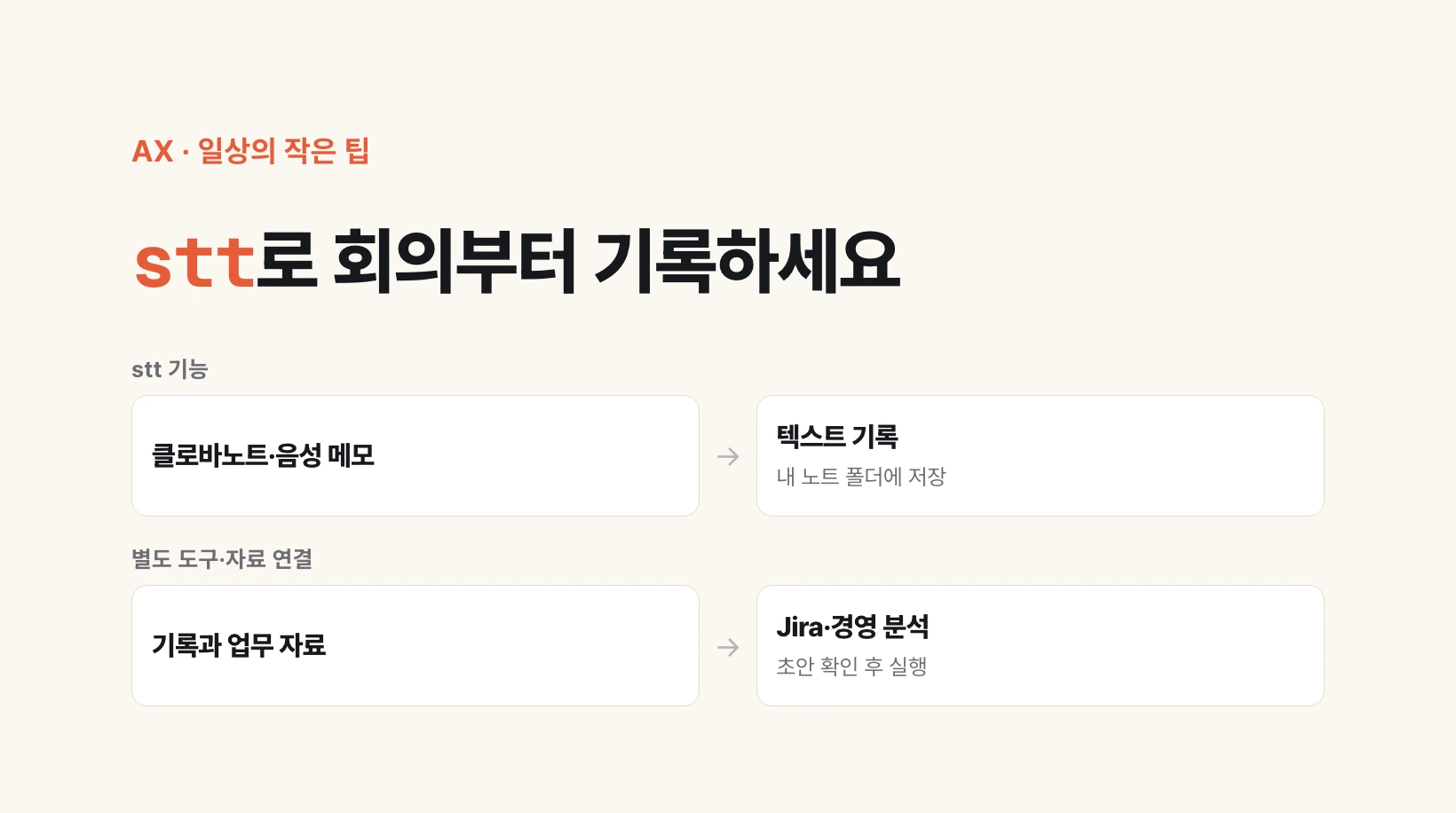
Turn meeting records into material for the next task
Today I had drinks with former colleagues who now lead large and mid-sized companies. Our conversation left me thinking that recording meetings and carrying their contents into the next task is the kind of AI transformation executives need most.
After a meeting, someone still has to summarize decisions, register development tasks and check reported figures. stt prepares the records for that follow-up work. Transcription means converting speech into text; the plugin imports that text or creates it.
stt is an add-on for Claude Code, an AI work environment that handles files and tools through natural-language instructions. You decide what happens after saving the record. Jira registration and management analysis are not built into stt.
Two ways in: Clova Note and Apple Voice Memos
Clova Note imports transcripts and speaker labels already generated by the service. It requires a Naver login and existing notes. Its connection relies on the service’s internal implementation and may need maintenance when that changes.
For Apple Voice Memos, stt processes recordings downloaded to your Mac or exported audio files using whisper.cpp, a speech-to-text program. This transcription step does not upload audio. That does not guarantee local-only processing if you later send the saved text to Claude or another AI service.
Output is saved as Markdown: text files with simple heading and formatting marks, readable in ordinary editors or a notes app such as Obsidian. The Apple path includes timestamps but not speaker identification or summaries.
Install, then try one recording
If Claude Code is ready, enter these three commands in its input area, one at a time—not in an ordinary terminal.
For Clova Note, complete the README’s account setup and first login, then run /stt:clovanote. Apple requires separate installation of ffmpeg, whisper.cpp and a speech-recognition model file. Installing the plugin does not install these dependencies. Follow the README for their installation and model verification.
Run /stt:apple doctor to check readiness and /stt:apple list to list recordings. If none appear, export a recording and request: ‘Use /stt:apple to transcribe /actual/path/meeting.m4a.’ Replace the example with your real file path.
/plugin marketplace add hjsh200219/stt
/plugin install stt@stt
/reload-plugins
Development meetings: from a draft to a Jira issue
Jira manages team tasks; an issue is one work item. You can draft agreed actions from a transcript and register them through a separately connected Jira tool. Without that connection and permission, stop at the draft.
Separate tentative ideas from confirmed decisions, add completion criteria, and use only owners and dates actually agreed in the meeting. Check existing issues before creating duplicates.
Draft Jira issues only for confirmed actions in this meeting.
Include a title, description, completion criteria and supporting statements with timestamps.
Separate tentative proposals. Leave missing owners and deadlines as undecided.
If Jira is connected, check existing issues for duplicates first.
Show the destination project and drafts; register only the items I approve.
Management meetings: compare claims with the figures
A meeting transcript alone cannot establish revenue or cost drivers. Supply the revenue and cost files too, with tools capable of reading them, and first align periods and units.
Ask AI to find differences between the meeting’s explanation and the supplied figures, then list follow-up questions. Keep unsupported explanations as hypotheses. This is a suggested workflow, not a claim that analysis of a company’s files was validated for this article.
Compare performance claims in the meeting with the supplied revenue and cost files.
Align periods and units first, then list discrepancies.
For each figure cite the file, sheet, row or cell, plus the meeting timestamp.
Separate verified facts from hypotheses. Do not invent missing numbers.
List questions to resolve; I will verify conclusions against the original files.
One meeting, one follow-up task
Agree on recording and AI-use boundaries with participants, and check company rules on sharing data externally. Start with a short non-sensitive test recording. Keep private notes and credentials out of public source code.
Transcription can mishear amounts, dates, names and decisions: check the original audio. Apple support has been checked with 17 regression tests and actual local transcription and duplicate skipping using a synthesized Korean M4A. Collection from a real user Voice Memos library still needs verification in an environment with synced recordings.
Record one meeting, then make one Jira draft or one comparison of reported results. Use the record to start the next task, not simply to archive it. That is the small step toward AI transformation this tool proposes.
Source (MIT): https://github.com/hjsh200219/stt — README v0.3.0 supports the features, setup and limitations. The Jira and management-analysis prompts are suggested examples for this article.